 MultiConnect Cloud
How to Deploy FastAPI A Step-by-Step Production Guide
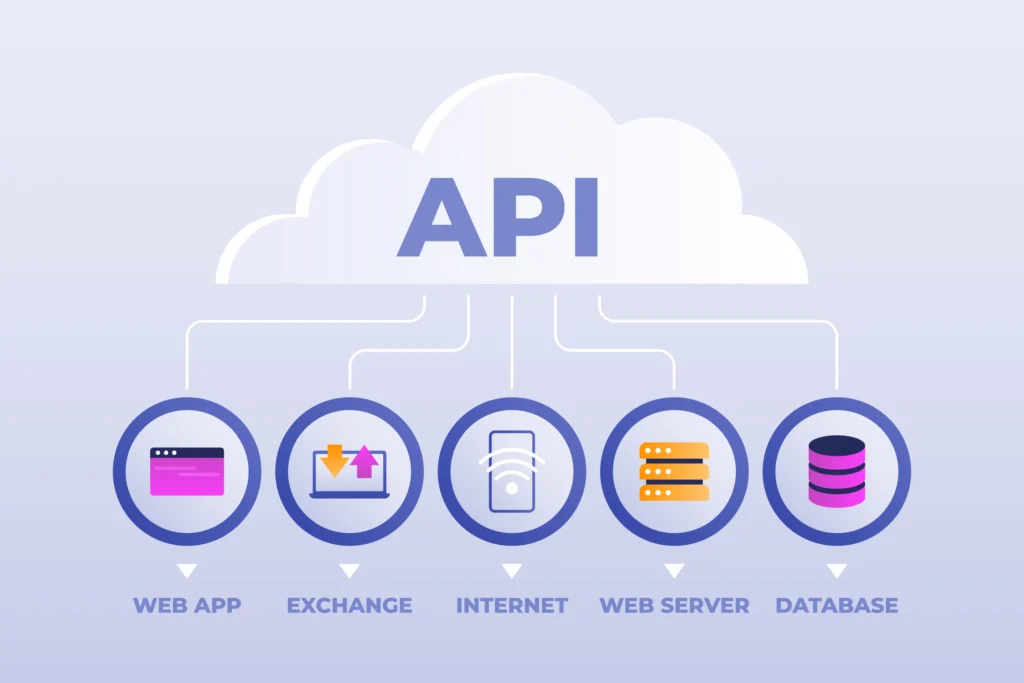
Deploy FastAPI applications to production with a structured approach that makes your Python API accessible, secure, and ready for real-world traffic. Whether you are developing a backend for a website, mobile application, AI solution, or business platform, choosing the right deployment process helps you deliver reliable API services.
In this guide, you will learn how to deploy FastAPI from local development to a production server, configure environment variables, run an ASGI server, enable HTTPS, and monitor application performance. Follow these practical steps to prepare your API for a production environment.
What You Need Before Deploying a FastAPI Application
Before you deploy FastAPI, verify that your Python application runs correctly, all required packages are installed, and your hosting environment supports your application’s dependencies. A prepared project is easier to maintain and troubleshoot after release.
Production readiness also involves database connectivity, environment-specific configuration, secure credentials, and a reliable way to restart your application after failures or server updates. These checks help reduce avoidable downtime.
Test Your API Endpoints
Test requests, responses, validation, authentication, and error handling locally to identify problems before exposing your application to users.
Manage Python Dependencies
Maintain a requirements.txt or another reproducible dependency configuration so your deployment environment installs compatible packages consistently.
Configure Environment Variables
Separate development and production settings, and keep database credentials, secret keys, and external service tokens outside your source code.
Select a Hosting Platform
Choose a virtual server, managed application platform, or container service according to your budget, traffic expectations, scalability requirements, and operational needs.
How to Deploy FastAPI Step by Step
Getting Started
1 Create Your FastAPI Application
Create a Python file named main.py. If you do not already have an application, use the following example to define your first API endpoint.
from fastapi import FastAPI

app = FastAPI()

@app.get("/")
def home():
    return {"message": "FastAPI is running"}
Environment Setup
2 Install the Required Packages
Create a virtual environment to isolate your project dependencies and install FastAPI with its standard dependencies.
python -m venv .venvWindows — PowerShell
.venv\Scripts\Activate.ps1Linux / macOS
source .venv/bin/activateAfter activating your environment, install the required packages and save your dependencies to a requirements file.
pip install "fastapi[standard]"
pip freeze > requirements.txt
Local Development
3 Test the Application Locally
Start the development server to verify that your application launches successfully and responds to requests.
fastapi dev main.pyOnce the server is running, open these URLs in your browser to test the endpoint and explore the interactive API documentation.
API endpoint: http://127.0.0.1:8000/
Interactive API documentation: http://127.0.0.1:8000/docs
Important: Use the development command for local testing. For a production deployment, use the production server command and configure your hosting environment appropriately.
Production Deployment
4 Run the Production Server
On your target server, install the project dependencies before starting the FastAPI application.
pip install -r requirements.txtRun the application using FastAPI’s production command:
fastapi run main.py --host 0.0.0.0 --port 8000Production tip: Configure your domain, HTTPS certificate, and reverse proxy to forward requests to the application. Ensure the server’s firewall and hosting configuration allow the required traffic. Keep development settings disabled in production.
Essential FastAPI Production Configuration
A successful production deployment requires more than starting a Python server. Configure the application to handle real traffic, protect sensitive data, and recover from failures without relying on manual intervention.
Enable HTTPS
Use a valid TLS certificate through your hosting provider or reverse proxy to encrypt traffic between clients and your API.
Configure automatic restarts
Use a process manager, container platform, or managed hosting service to restart your application after failures or server reboots.
Monitor application health
Track response times, exceptions, resource usage, and service availability to detect problems before they disrupt users.
Six Best Practices for Deploying FastAPI
Use Docker for consistent environments
Package your application and dependencies into a container to reduce differences between development, testing, and production environments.
Protect API credentials
Store database passwords, authentication secrets, and third-party tokens in environment variables or a dedicated secrets manager, never directly in public source code.
Choose appropriate server resources
Assess CPU, memory, storage, and expected request volume before selecting a hosting plan for your production application.
Configure structured logging
Record meaningful application events and errors without exposing passwords, authentication tokens, or other sensitive user information in logs.
Test every production release
Verify important endpoints, database connections, authentication flows, and error responses after deployment to identify issues before users encounter them.
Plan for scaling and recovery
Use appropriate worker processes or multiple application instances, health checks, backups, and rollback procedures as your service requirements increase.
Frequently Asked Questions
Can I deploy FastAPI using Docker?
Yes. Create a Dockerfile, install the application’s dependencies, copy the application code, and configure the container to start your API. Deploy the resulting image to a compatible container platform.
How do I secure a FastAPI application in production?
Enable HTTPS, protect secrets, validate incoming requests, implement suitable authentication and authorization, restrict database access, and keep dependencies updated.
Why does my FastAPI application stop after deployment?
Common causes include process crashes, missing dependencies, incorrect environment variables, memory limits, and hosting restrictions. Review application logs and configure a process manager or managed service to handle restarts.